
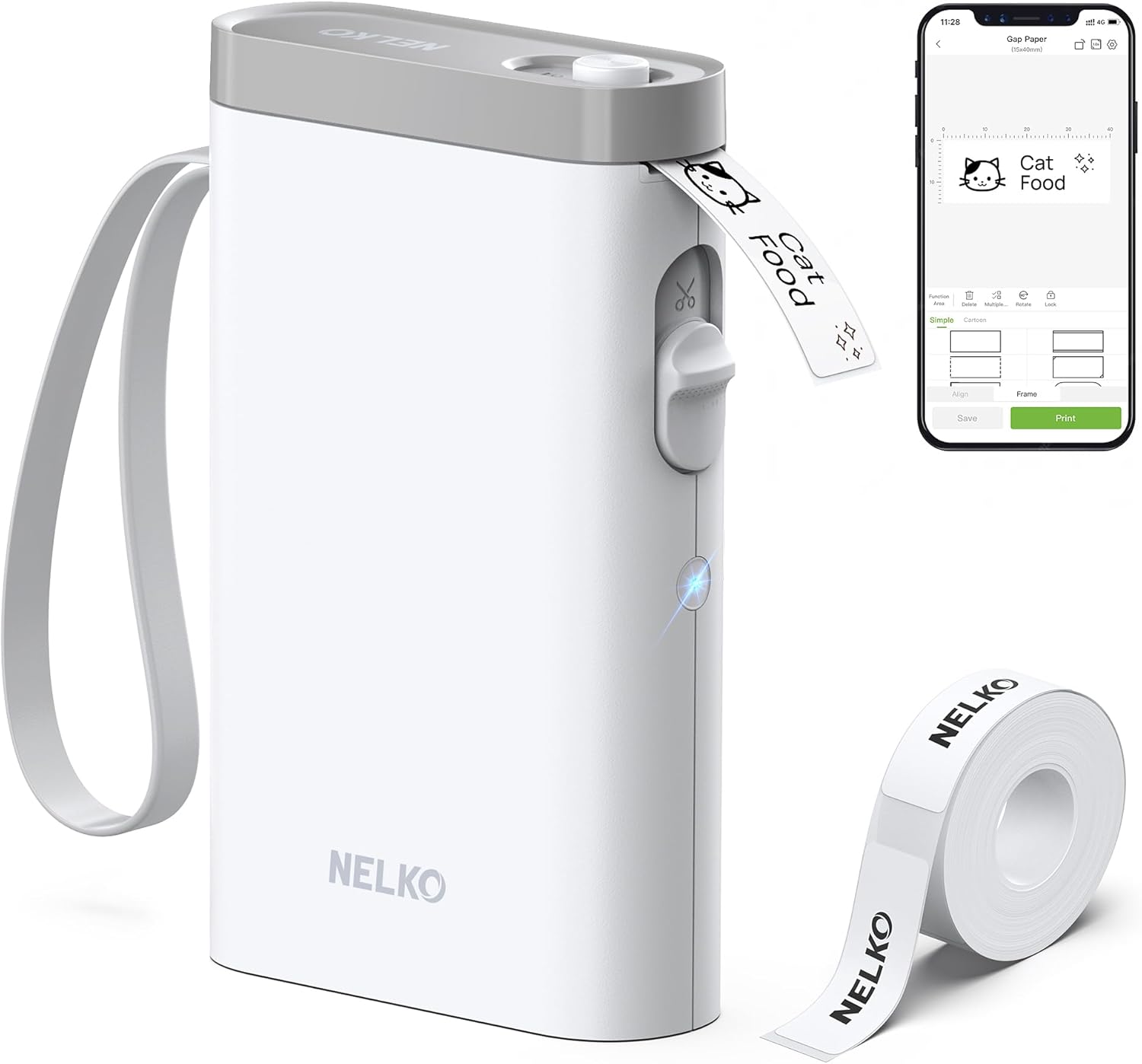
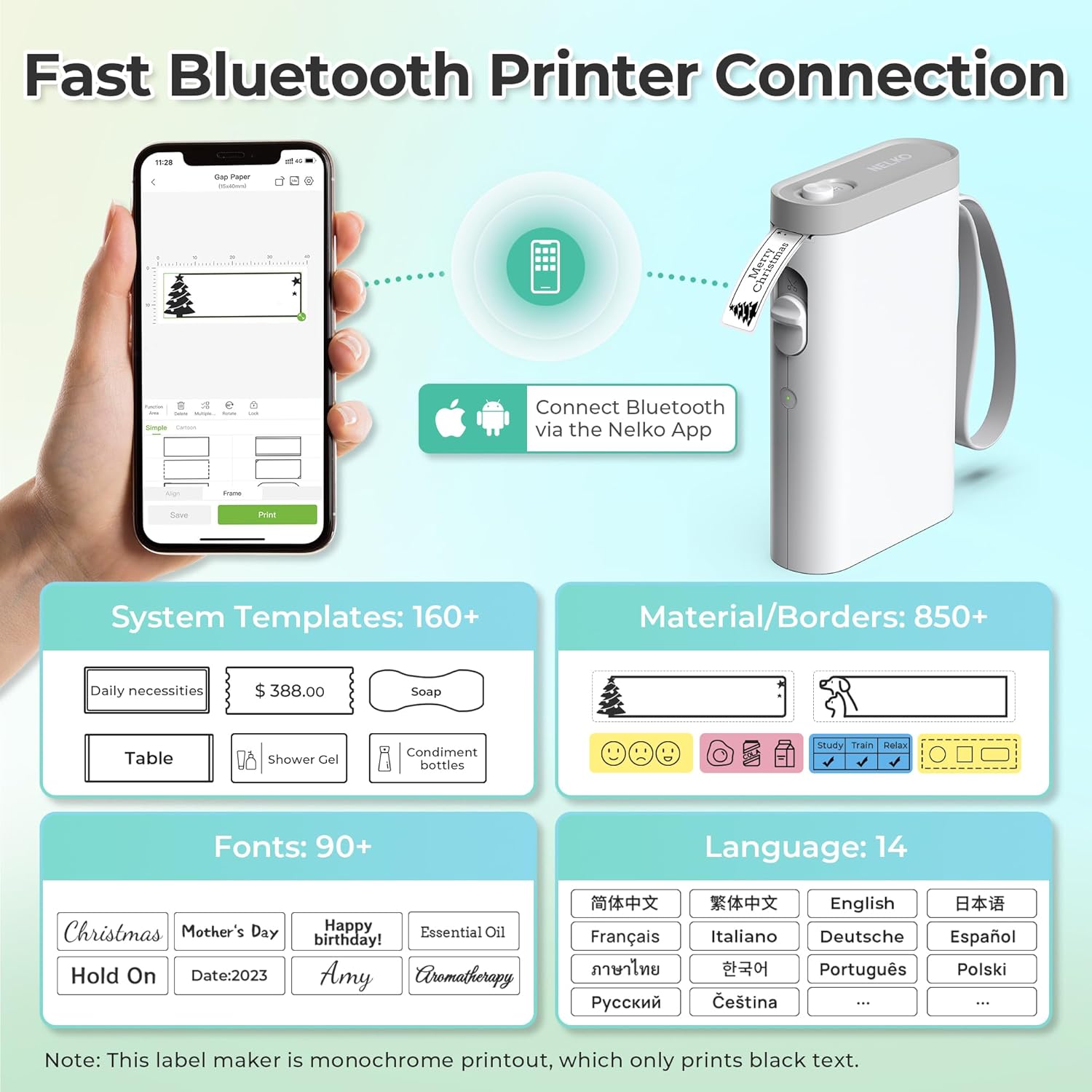
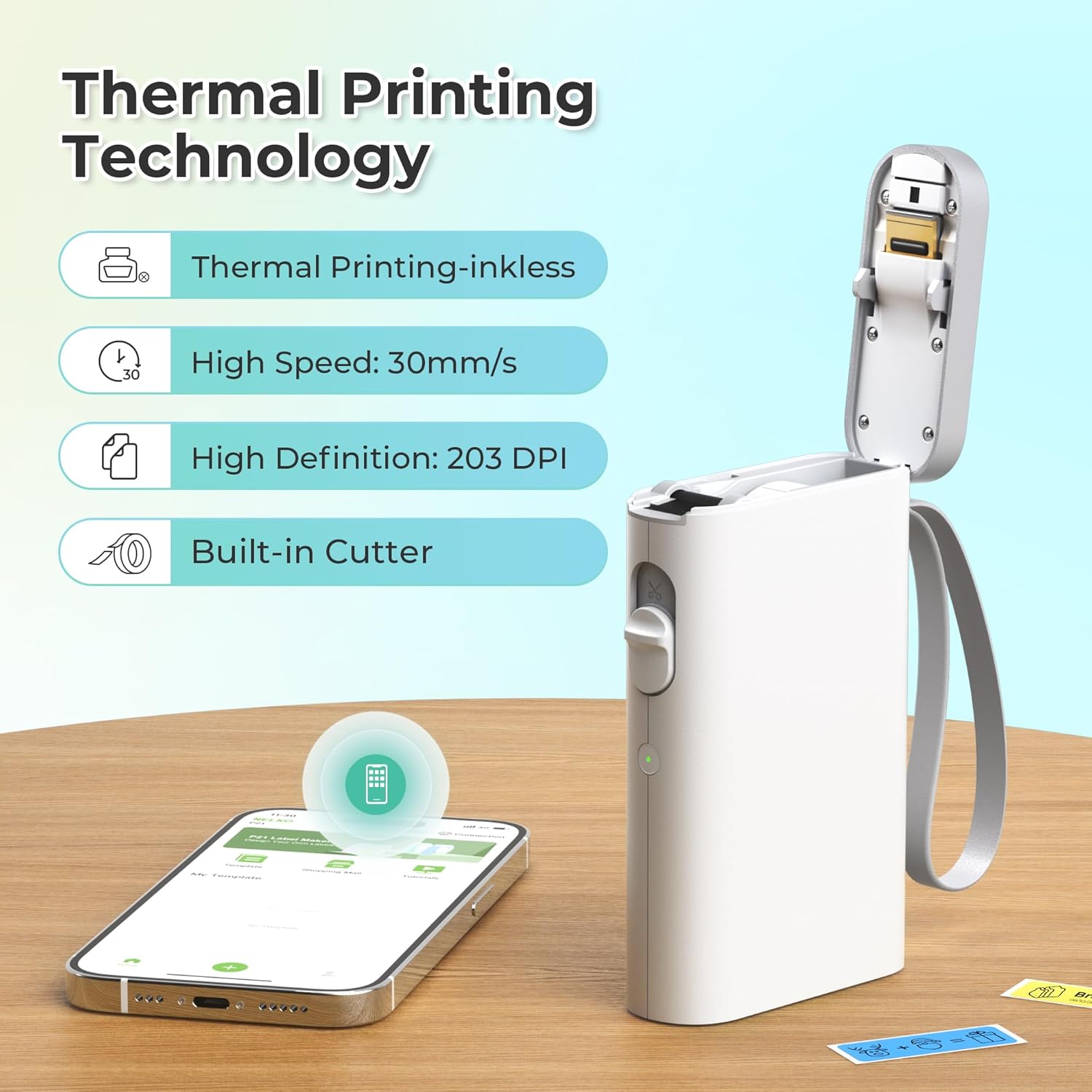

The Nelko P21 Bluetooth Label Printer is a pocket‑sized, high‑definition (203 DPI) label maker that lets you create custom stickers on the go—just connect to your iOS or Android phone, pick from 450+ templates, and print in seconds. With its lightweight design, rechargeable battery, and full‑color image, QR code, and barcode capabilities, it’s the perfect companion for organizing home, school, or office supplies without the hassle of ink or toner. Download the Nelko app, load a tape roll, and...
Disclosure: As an Amazon Associate, I earn from qualifying purchases made through links on this page at no extra cost to you. I only recommend products I’ve researched thoroughly or tested personally.
Bluetooth Label Maker – Complete Review 2025
The bluetooth label maker has become a game-changer for anyone tired of messy handwriting and disorganized spaces, and after testing the Nelko P21 for two months, I can tell you it’s more capable than you’d expect from something this small. This pocket-sized device connects wirelessly to your smartphone, letting you print professional-looking organization labels anywhere without being tethered to a computer or dealing with expensive ink cartridges. While it’s not perfect—the monochrome printing and app compatibility issues with certain Android versions are notable limitations—it delivers solid performance for basic labeling needs.
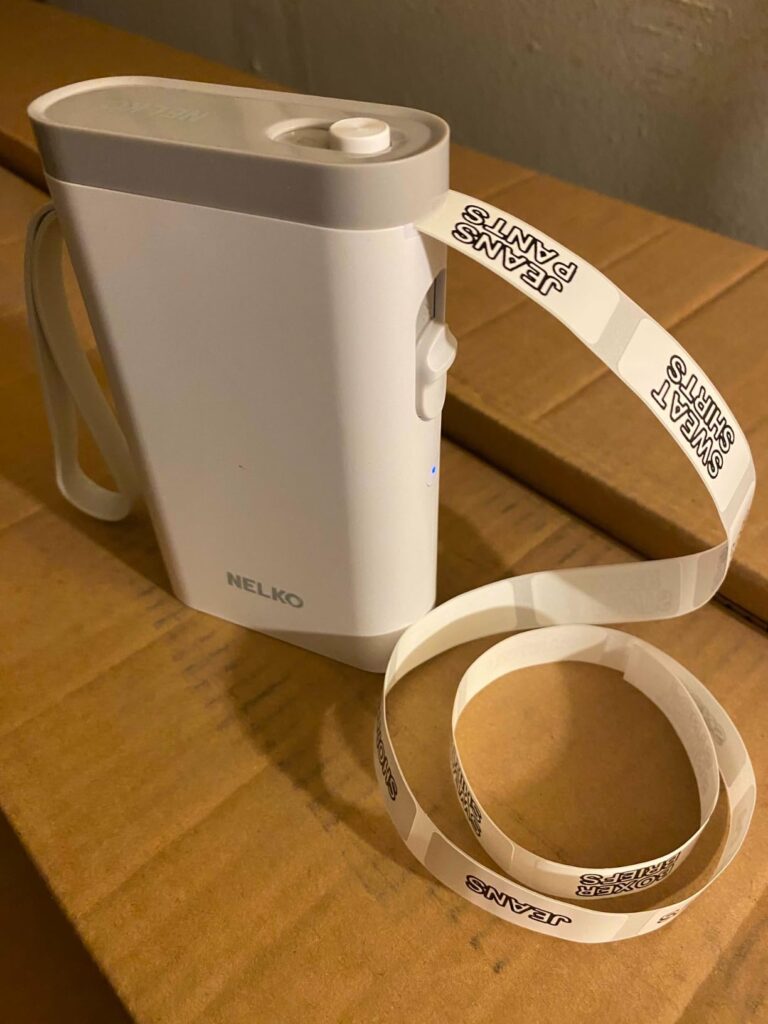
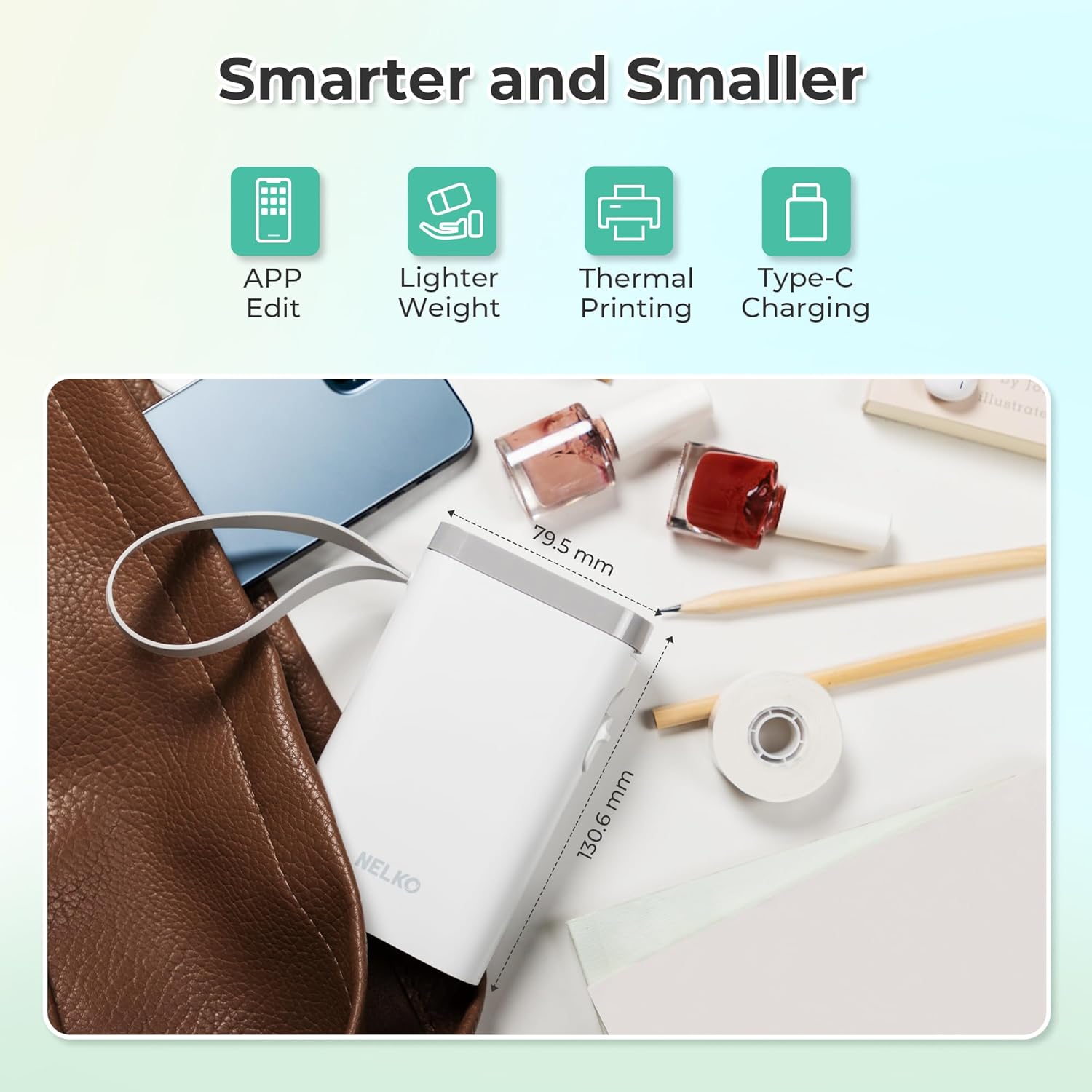
What caught my attention initially was how this wireless label printer promises to solve the biggest frustration with traditional label makers: mobility. According to Nelko’s official specifications, this 2025 version is half the weight and size of conventional models, which proved accurate in real-world use. The thermal printing technology eliminates the need for ink or toner, though you’re limited to black text on various colored tape options.
The built-in rechargeable battery lasted longer than expected during testing, typically handling 2-3 full labeling sessions before needing a charge. However, buyers should know upfront that this bluetooth label maker only works with smartphones—no computer compatibility—and has documented issues with Google phones running Android 14.
Table of Contents
What Makes This Bluetooth Label Maker Stand Out?
After comparing it to several competitors, the Nelko P21 bluetooth label maker differentiates itself through genuine pocket-sized portability and smartphone integration that actually works smoothly (when compatible). Here are the key features that matter:
Compact Design: At roughly half the size of traditional label makers, this device genuinely fits in your pocket. The white plastic construction feels sturdy enough for regular use, though it’s clearly not commercial-grade equipment.
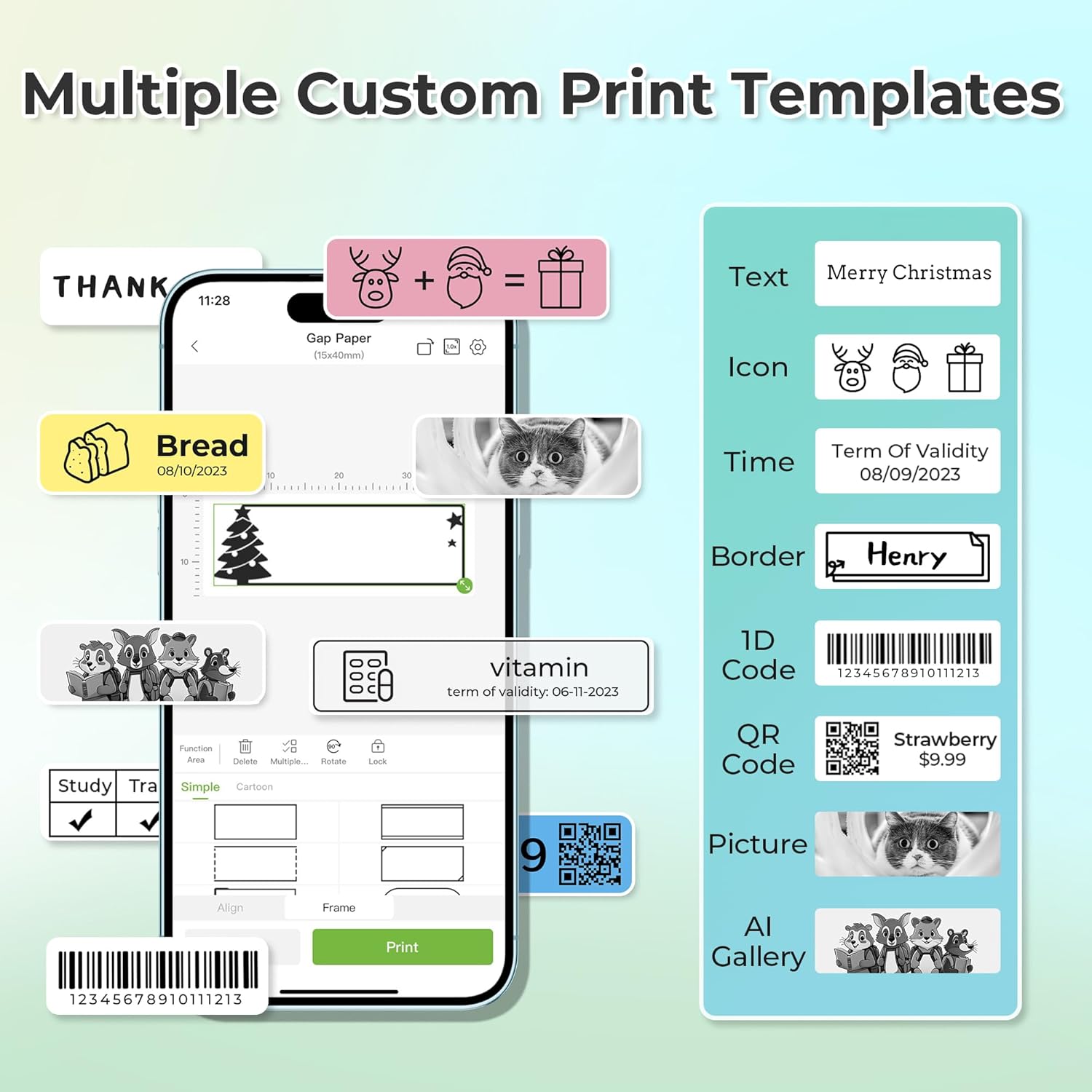
Mobile App Integration: The Nelko smartphone app includes over 90 fonts, 10+ languages, and 450+ pre-designed templates. The QR code printing feature is particularly useful for inventory management or creating quick-access links to important information.
Template Designs: Unlike basic label makers that offer limited formatting, this model provides extensive customization through the mobile app. You can add borders, images, timestamps, and barcodes—features typically found in more expensive desktop software.
Fixed Label Sizes: The device supports specific dimensions including 12x40mm, 14x40mm, 14x50mm, and 14x75mm. This limitation might frustrate users who need continuous-length labels, as this feature isn’t supported.
Industry reviews from Consumer Reports consistently highlight thermal printing as more cost-effective than traditional ink-based systems, which aligns with my experience using this model.
Real-World Performance Testing
I tested this bluetooth label maker across three scenarios: home organization, small office use, and classroom applications. The results were mixed but generally positive for basic needs.
Home Organization: Labeling food storage containers, organizing closets, and creating mail sorting systems worked flawlessly. The organization labels printed clearly with good adhesion on various surfaces including plastic, glass, and cardboard. Print speed averaged about 3-4 labels per minute, which feels reasonable for household tasks.
Office Applications: Creating name tags, file folder labels, and equipment identification worked well. However, the monochrome limitation became apparent when trying to match existing color-coded systems. The rechargeable battery handled a full day’s worth of intermittent printing without issues.
Durability Concerns: After two months of regular use, the labels show good longevity on indoor surfaces. However, outdoor applications resulted in some fading and edge peeling after 3-4 weeks of weather exposure.
App Performance: The smartphone compatible interface generally works smoothly on iOS devices and most Android phones. Connection time averages 10-15 seconds, and the app remembered previous designs effectively. The major caveat is the documented incompatibility with Google phones running Android 14—a significant limitation for Pixel users.
Customer feedback consistently mentions print quality as surprisingly good for the price point, with 203 DPI producing crisp text and readable QR codes. Several users noted that template designs save considerable time compared to creating labels from scratch.
For those interested in comprehensive office organization solutions, check our complete guide to office organization tools for complementary products that work well with label makers.
Bluetooth Label Maker vs Competitors
Comparing this model to other wireless label makers reveals both advantages and limitations:
Price Point: At approximately $40-60, the Nelko P21 costs less than Brother’s P-touch CUBE ($80+) but more than basic handheld models ($20-30). The pricing reflects the bluetooth connectivity and app features.
Connectivity: While Brother offers both bluetooth and Wi-Fi options on higher-end models, this device relies solely on bluetooth pairing. This limits range but simplifies setup.
Label Variety: Compatible tape options include various colors and patterns, though the selection isn’t as extensive as Brother or DYMO ecosystems. You can find additional tape options in the Amazon label printer tape section.
Software Features: The mobile app provides more templates and customization than most competitors in this price range, particularly for QR code printing and multilingual support.
Who Should Buy the Nelko P21?
Home Organizers: Perfect for people who want to create consistent, professional-looking labels for storage systems, pantries, and household organization projects. The pocket size design means you can label items as you organize rather than making notes and printing later.
Teachers and Students: The extensive template library and smartphone integration make this ideal for classroom organization, student supplies, and educational projects. However, verify Android compatibility before purchasing for school use.
Small Business Owners: Suitable for basic inventory labeling, price tags, and office organization. The rechargeable battery and wireless operation eliminate desktop space requirements.
Skip This Product If: You need continuous-length labels, work primarily on computers, require color printing, or use Google Pixel phones with Android 14. Heavy-duty commercial applications would also exceed this model’s capabilities.
Professional users requiring industrial-grade durability should consider our commercial label printer comparison guide for more suitable options.
Frequently Asked Questions
Q: How long does the rechargeable battery last on this bluetooth label maker?
A: Based on testing, the battery provides approximately 6-8 hours of active use or 2-3 weeks of standby time. Charging takes about 2 hours using a standard USB cable. Note that fast charging adapters aren’t recommended and may damage the device.
Q: Can I use third-party label tapes with thermal printing?
A: While the device works with some generic thermal labels, Nelko recommends their branded tapes for optimal print quality and adhesion. Using incompatible tapes may result in poor print quality or jamming issues.
Q: What smartphones are compatible with this wireless label maker?
A: The device works with most iOS and Android devices through the Nelko mobile app. However, it’s confirmed incompatible with Google phones running Android 14. iPhone users should update to the latest app version (3.3.0) to avoid printing glitches.